Image Prompts
Passport Size Photo From Reference Image Prompt
Transform an uploaded reference photo into a professional passport-size or ID photo with user-defined country, background color, gender preference, and formal outfit styling.
Image Prompts
Prompt
Edit the uploaded reference image into a clean, professional passport-size or ID photo. Preserve the person's real facial identity, natural skin tone, facial proportions, and expression while improving lighting, sharpness, posture, and presentation. Use the selected country or document type: {country_or_document_type}. Follow the requested photo size and crop: {photo_size_or_aspect_ratio}. Set the background to {background_color}, or use the standard background color for {country_or_document_type} if the user requests country-specific styling. Use the selected gender presentation or styling preference: {gender_preference}. Dress the person in {outfit_preference}, such as a dark business suit, blazer, collared shirt, formal kurta, blouse, or other user-specified attire. Keep the head centered, eyes facing forward, shoulders visible, neutral expression, no heavy shadows, no hats unless required, no sunglasses, no artistic filters, no watermark, and no extra objects. Output a realistic, studio-quality passport photo suitable for printing and digital upload. If official compliance matters, remind the user to verify current government photo requirements for their country before submission.
CanvaDALL-EPhotoshopStable Diffusion
Sample Output
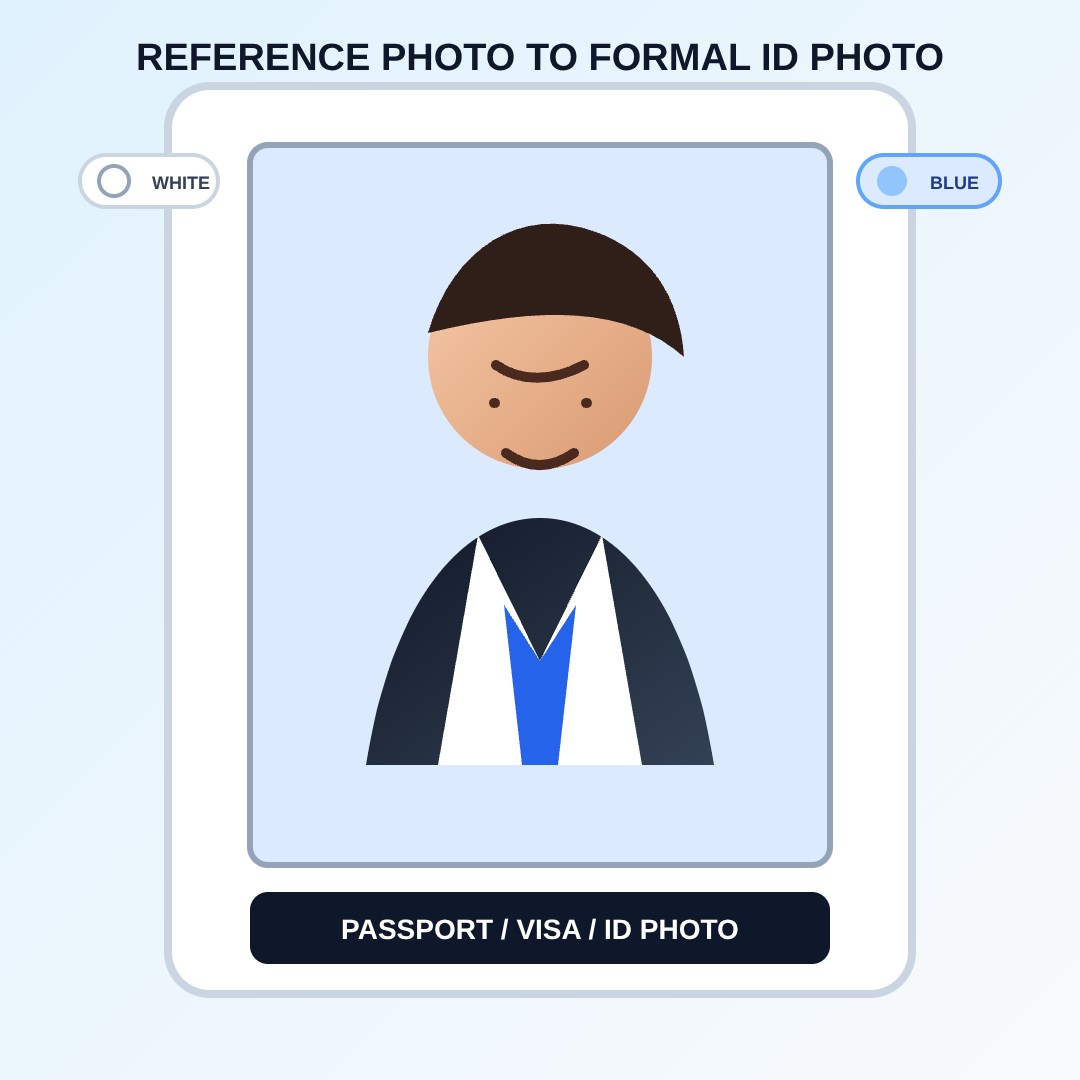
passport-size-photo-from-reference.svg
#passport photo#id photo#photo editing#background change#formal headshot
Actions
Open with